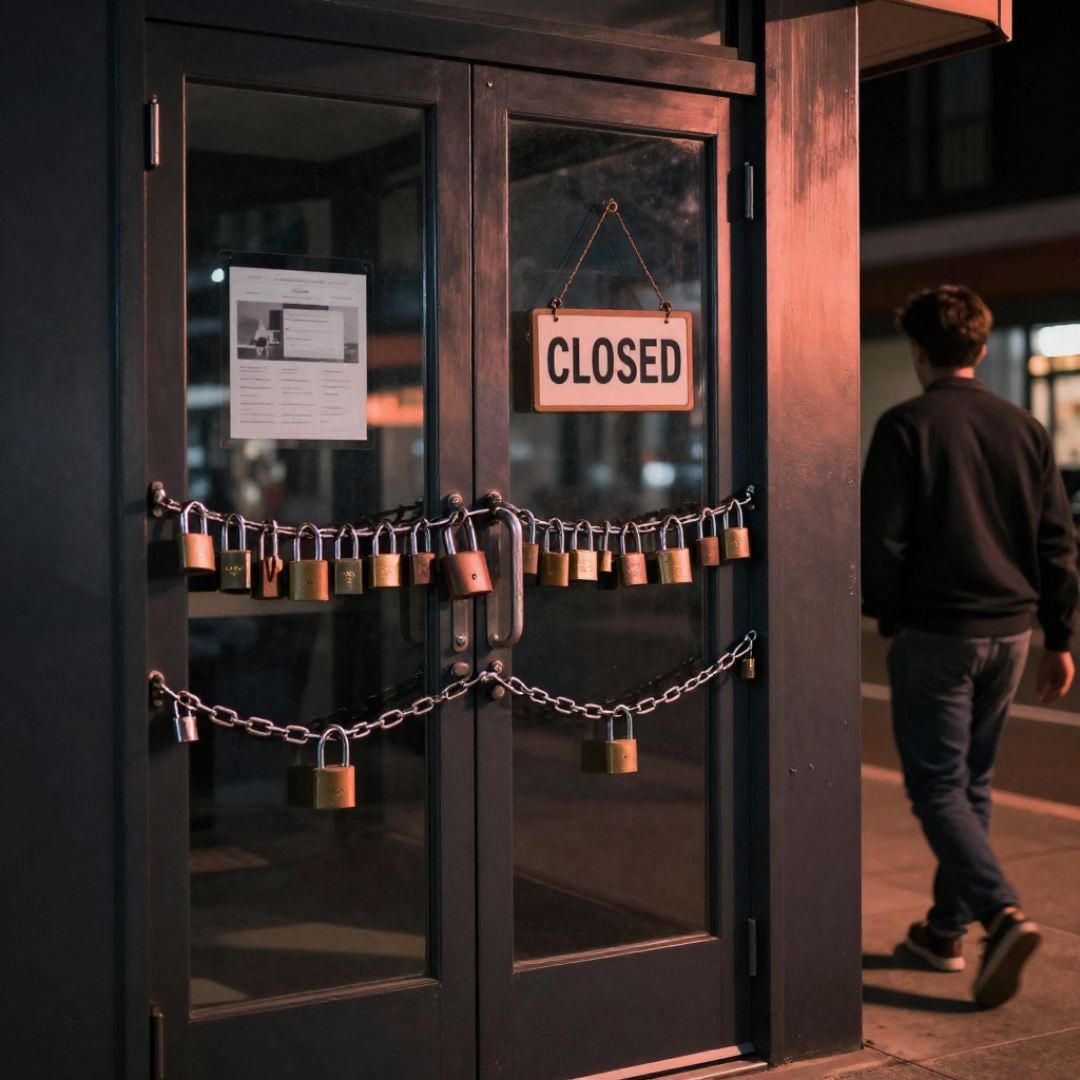
Why your website isn't turning visitors into customers (6 fixes I make first)
Your ad did its job. Your website is where the sale leaks out. Here are the 6 fixes I make first to turn visitors into booked customers.
The ad worked. Someone searched, saw you, and clicked. That's the hard part, and it's done.
Then they landed on your website and left.
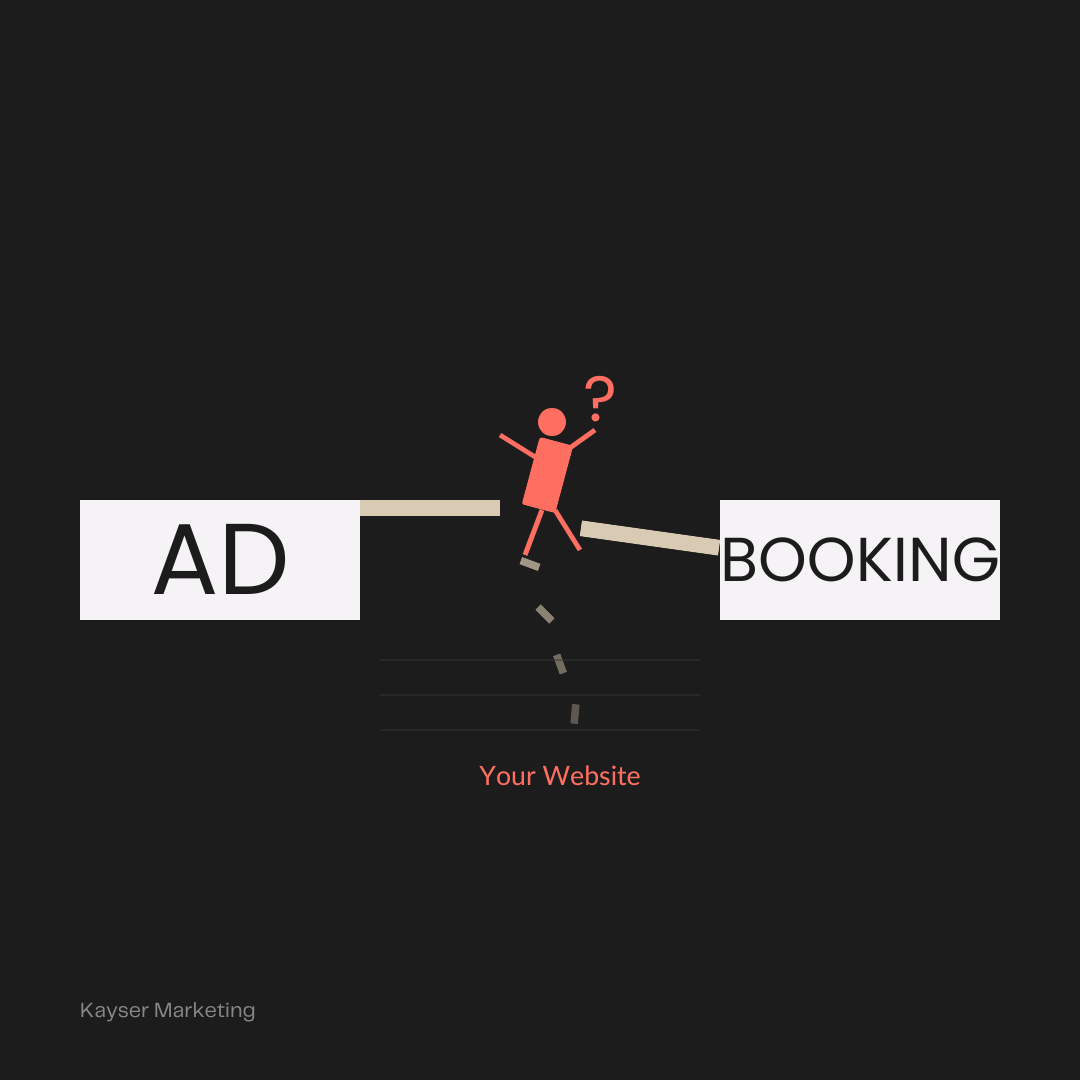
I've written about the two ends of this problem before. On one side, why your Google Ads aren't converting — the fixes that get the right person to click in the first place. On the other, what making it simple for your customer looks like — closing the gap between interested and booked.
Your website is the part in the middle. It's where a click becomes a customer, or doesn't. And for most local businesses, it's the leakiest, messiest spot in the whole funnel.
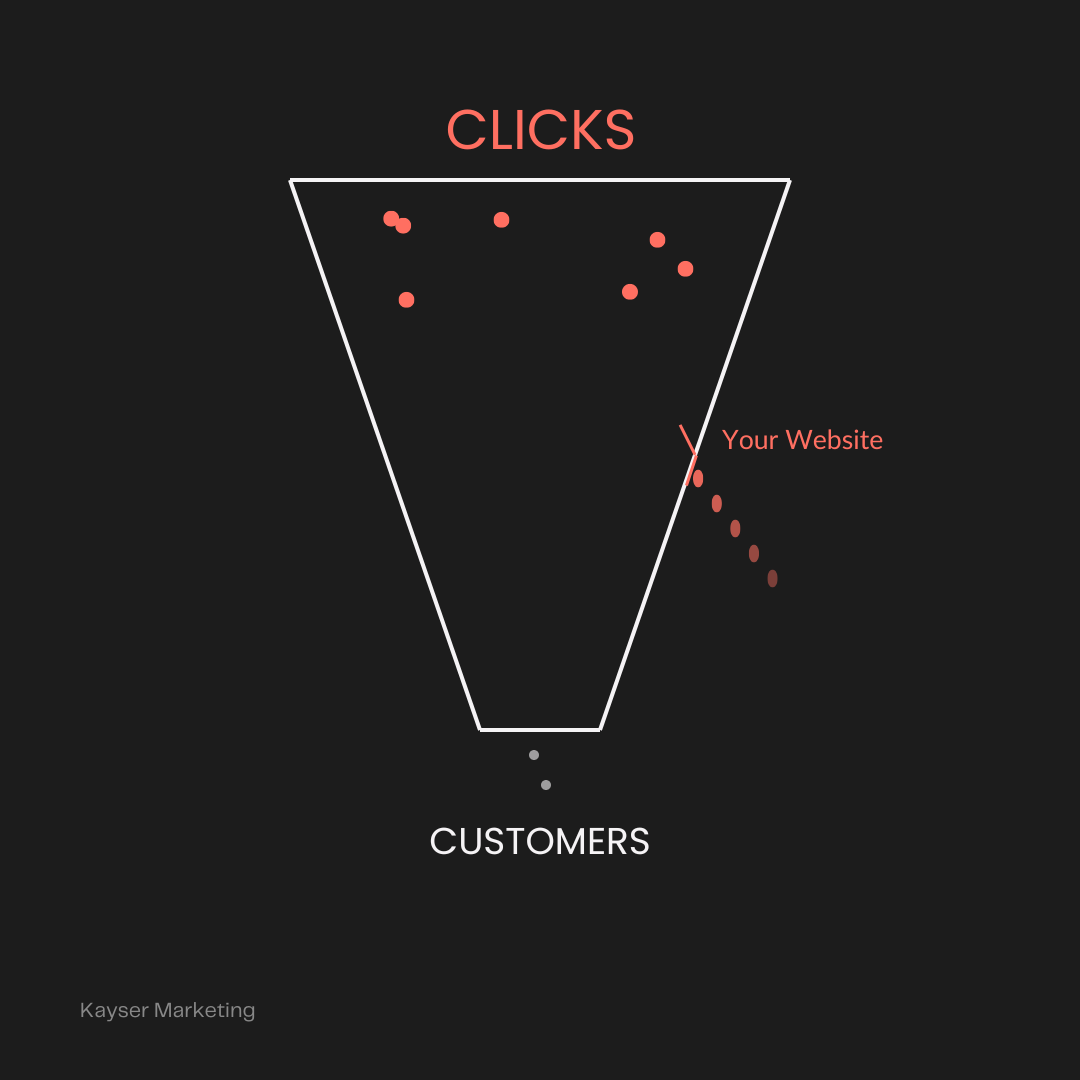
Here are the six fixes I make first when a site is getting traffic but not bookings. Most are free. None require a redesign.
Take them and run with them on your own website landing pages.
1. Make the page keep the ad's promise
If your ad says "same-day appointments" and the click lands on a homepage full of your history, your services menu, and a photo of the building, you've broken the promise in the first three seconds.
The visitor came for one thing. Show them that one thing, immediately, at the top of the page. The ad and the page have to say the same sentence. When they don't, people hit back — and you paid for that click.
2. One page, one action
Most local websites ask visitors to do everything at once. Call us. Email us. Book online. Follow us. Read the blog. Download the thing.
It's the Paradox of Choice. Give someone five choices and they'll make none. Pick the single action that matters most — usually booking or calling — and build the page around it. Everything else is a distraction from the thing that makes you money. Save the other CTAs for the informational areas of your website.
3. Put the offer and the next step above the fold
Nobody scrolls to find out how to hire you. If the reason to choose you and the button to do it aren't visible the second the page loads, assume they're invisible.
The top of the page should answer "what is this and what do I do next" without a single scroll. The offer, and the button. That's it.
4. Cut the friction in the booking
This is where making it simple earns its keep. Count the steps it takes to go from "I want this" to "I'm booked." Every extra field, click, and callback is a place for a good lead to quietly leave.
A form that triggers a callback that leads to a quote that leads to a booking is four chances to change their mind or find someone easier. A page where they pick a time and confirm is zero. Cut the count in half and watch what happens.
5. Answer the three questions before they ask
Every visitor is silently asking three things: What exactly do you do? What does it cost, or where are you? And why you instead of the next result?
If your page doesn't answer all three, the visitor has to guess, and guessing usually ends in leaving. Put your service, your pricing or service area, and your proof right on the page. Which brings us to the last one.
6. Show the proof next to the button
People don't book because you told them you're good. They book because someone else did first.
Put your best reviews, your rating, or a real result right beside the call to action, not buried on a separate testimonials page nobody visits. The moment someone is deciding whether to click "book" is the exact moment they need a reason to trust you. Give it to them there.
What this means for you
None of this is a rebuild. It's the difference between a website that looks fine and a website that actually earns its traffic.
When ads "don't work," the account often isn't the problem, the page the clicks land on is. You're paying for the visit either way. The only question is whether the page is built to turn it into a customer.
Want me to look at where your site is leaking? Get in touch and I'll tell you which of these six is costing you right now.